Google maps vs. OsmAnd maps

Recently, Google Maps have lauched the option to save map information for offline use. So is it now as functional as other offline navigation apps? What's the difference between OsmAnd and Google maps? We'll try to shed some light on the question.
Source of maps
Google maps use their own map source – the one available at Google Maps desktop application. OsmAnd uses OpenStreetMap – the map data source supported by volunteer contributors only. This map is developed and enhanced by people all over the world.
Search
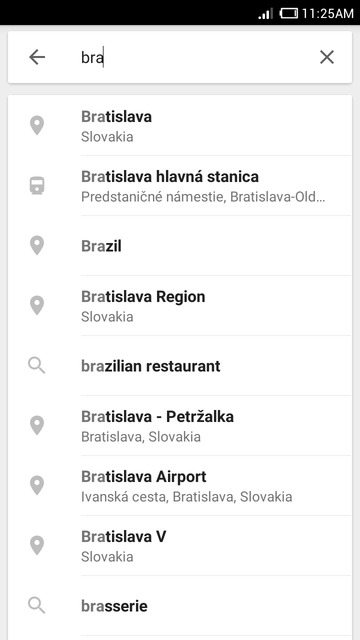
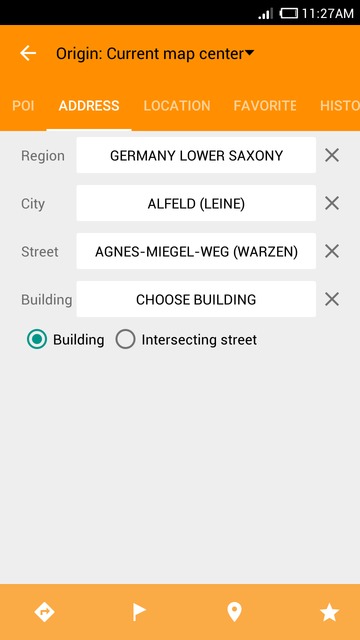
In terms of Search, Google maps offer one-line search. You just type the query in and get results. In OsmAnd, search options are provided according to the type of the query. You can search for points of interest, search locations by address or by coordinates, search in your favorites list or history. Google maps support voice search, as well (online only).
 |  |
|---|
Interface and types of maps
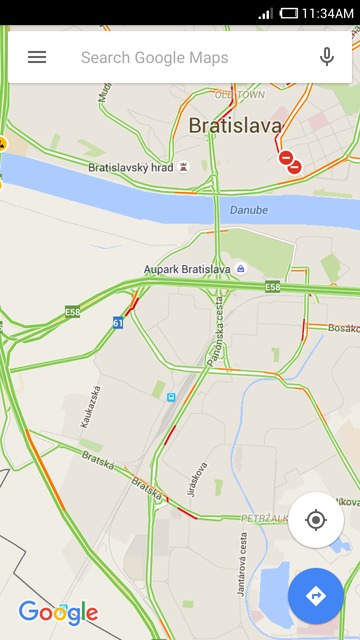
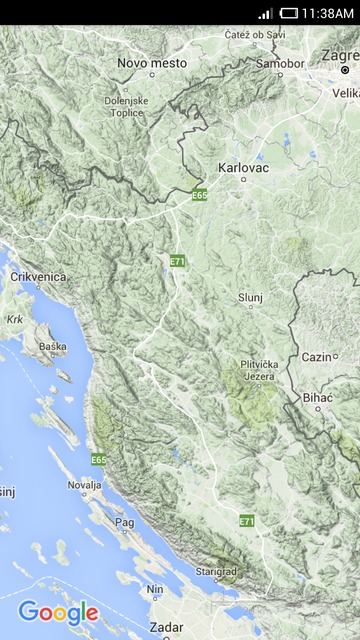
Google maps offer the widely-known style of maps. You can complement it by such layers as Traffic, Public transport, Bicycling, Satellite, Terrain and Google Earth (requires a separate application). The layers are quite informative, all of them except the basic map are only available in online mode though.
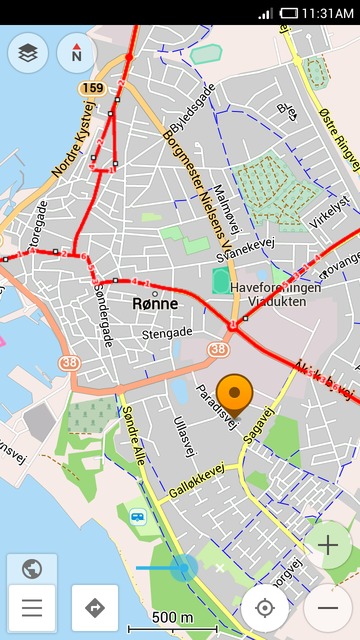
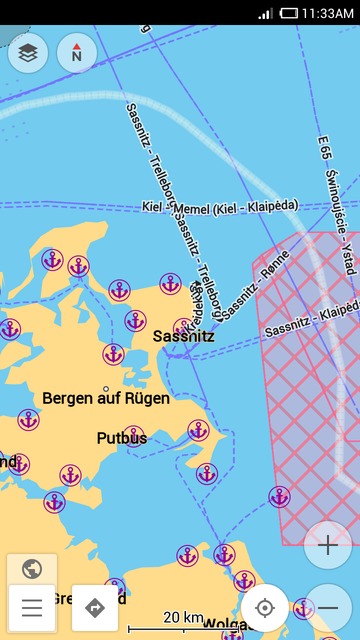
OsmAnd maps offer these maps styles: OsmAnd (the basic one), Touring View, UniRS, LightRS, Nautical and 'Winder and ski' styles created for different user purposes. Besides that, you can use one of numerous online map layers available to add specific information to the map.
OsmAnd also offers specific navigation modes for drivers, cyclists, and pedestrians. You can view hiking trails and pedestrian routes unavailable on many other maps.
 |  |
|---|
 |  |
|---|
Additional options
In OsmAnd, you can get a whole list of plugins enhancing the application. There are ski maps, nautical maps, parking plugin and many more. Please see the guide. Read more
Map size
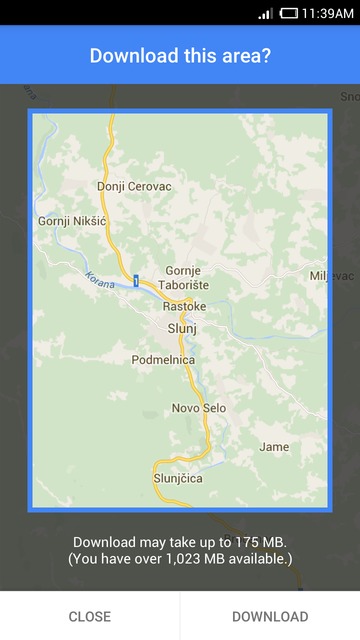
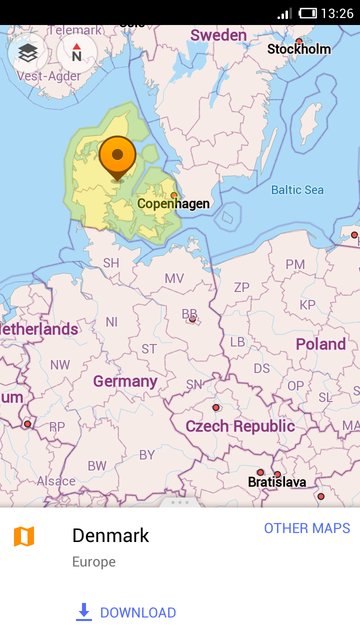
Google maps only offer the 50km x 50km areas for download. They're basically the square map sections of your choice. At the same time, OsmAnd divides maps by countries and regions to make it easier for you to choose the map you need. Also, if you are not sure which region you should download, you can just tap the location you need on the map and you'll get an offer to download the area.
 |  |
|---|
Public transport
Google maps give full navigation by public transport. The app builds routes using different means of transport and also shows the cost of the trip. The feature, however, if only available online.
OsmAnd does not yet have navigation for public transport, but you can view public transport routes including bus, train and other routes and stops. The users just need to go to Configure map – Transport to choose what they need to see.
UI and general experience
OsmAnd provides the choice whether to deal with the Dashboard menu, a side drawer menu or both. You can set that according to your needs. Google maps have simple and clear side menu. It offers all the main options. Also, in OsmAnd, you can choose the night screen mode which is optimized to prevent eye strain during map viewing and navigation.
Join us at our groups of Telegram (OsmAnd News channel), (EN), (IT), (FR), (DE), (UA), (ES), (BR-PT), (PL), (AR), (TR).


